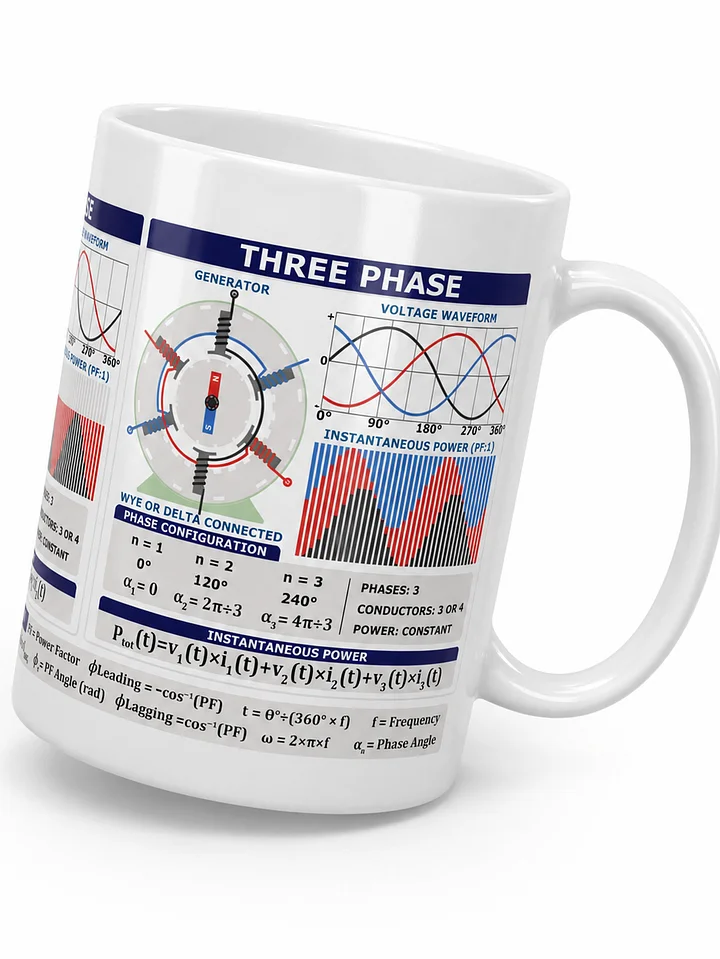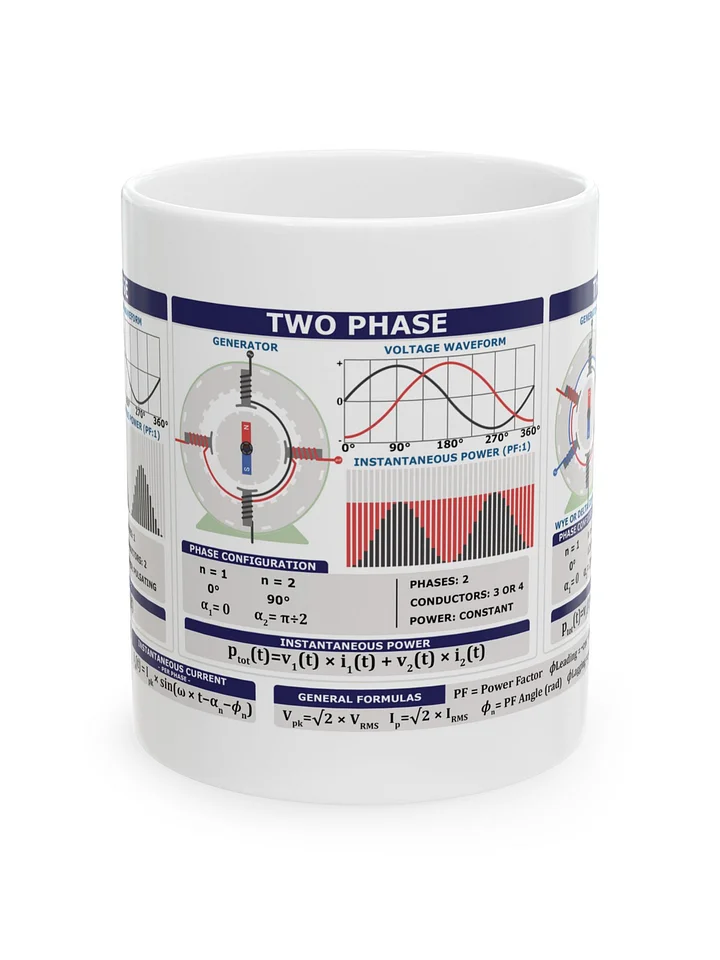
Single, Two and Three Phase Power Calculator Bundle
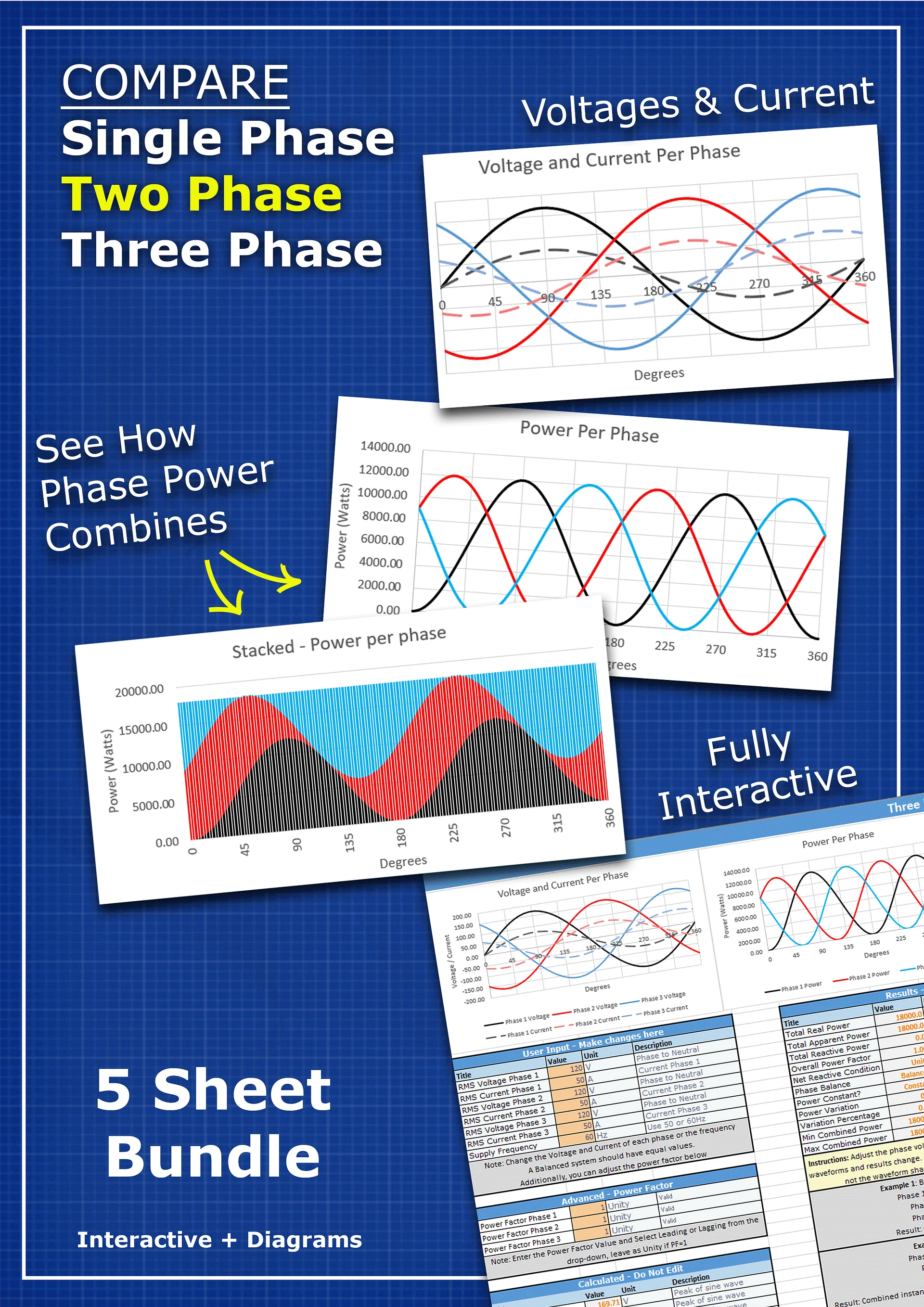
Visualize and compare single-phase, two-phase and three-phase AC power systems with this collection of five interactive Excel tools.
The bundle helps you understand how voltage, current and instantaneous power change throughout an AC cycle. Explore the effects of phase displacement, balanced and unbalanced loads, and leading or lagging power factor using automatically generated calculations and graphs.
You can also compare how transmission voltage affects current, conductor losses and distribution efficiency, as well as explore the basic conductor and raw-copper requirements of different single-, two- and three-phase arrangements.
Each spreadsheet includes diagrams, formulas, worked examples and clearly identified input cells to help you follow the calculations and experiment with different values.
Buying this bundle helps support Engineering Mindset and allows us to fund the creation of more engineering tutorials, animations and educational resources.
The bundle includes five Excel spreadsheets:
- Single-Phase Instantaneous Voltage, Current and Power
- Two-Phase Instantaneous Voltage, Current and Power
- Three-Phase Instantaneous Voltage, Current and Power
- Single- and Three-Phase Distribution Efficiency
- Single-, Two- and Three-Phase Basic Cost Comparison
The files are supplied together as a downloadable ZIP folder.
These calculators are simplified educational tools designed to illustrate the concepts discussed in our single-, two- and three-phase power tutorials. They are not intended for commercial use, electrical-system design or safety-critical calculations. Results should be independently verified before being used in any practical application.
How to un-zip the folder
This bundle includes five Excel files in .xlsx format, compatible with both Microsoft Excel and Google Sheets. The files are conveniently packaged in a .zip folder—just unzip to start using them immediately.
How to Unzip a Folder
On a Mac:
- Locate the .zip file in Finder.
- Double-click the .zip file – this will automatically unzip the folder.
- The unzipped files will appear in the same location.
On Windows:
- Locate the .zip file in File Explorer.
- Right-click the .zip file and select "Extract All".
- Choose a destination folder, then click "Extract".
- The files will be extracted to the chosen location.